How to Chat in Punjabi Using English Letters (Phonetic Typing Guide)
Key takeaways
- Two ways to start right now: turn on a native Punjabi keyboard once on your phone, or use a web-based phonetic tool and paste the result for one-off messages.
- Phonetic typing swaps Latin keystrokes for Unicode Gurmukhi characters in real time, using sound-based dictionary matching rather than translation.
- Diaspora demand is measurable, not anecdotal: Canada alone counted 942,000 Punjabi speakers in its latest census release, ahead of Arabic and just behind Mandarin.
- Government exam typing tests still require the Raavi layout, so phonetic typing and exam prep are two separate skills, not a shortcut from one to the other.
- Android’s Gboard has supported phonetic Punjabi since 2017; iPhone’s built-in keyboard still uses the traditional layout instead.
Anyone who grew up texting Punjabi friends before phonetic tools existed remembers the character map dance. Copy a letter. Paste it. Copy the next one. Repeat for an entire sentence, then give up and just type in English anyway.
Here’s exactly how to start, followed by what’s actually happening under the hood and where the whole system still trips over itself.
How do you actually start chatting in Punjabi right now?
Two routes, depending on where you’re typing.
On your phone, turn on a native keyboard once and it works inside every app you already use, including WhatsApp and Instagram.
- Android: Settings > then System > then Languages and input > then add Punjabi inside Gboard.
- iPhone: Settings > then General > then Keyboard > then Add New Keyboard > then Punjabi.
On a computer, or for one quick message without touching any settings, open a phonetic Punjabi typing tool in your browser instead. Type the word the way it sounds using English letters, then hit the spacebar. “sat sri akal” becomes ਸਤ ਸ੍ਰੀ ਅਕਾਲ the moment you press space. Copy the Gurmukhi text and paste it into WhatsApp, Facebook, or wherever the conversation is happening.
That’s the entire process. Everything below this point explains why it works the way it does, and where it still breaks.
What’s actually happening when you hit a key?
A phonetic engine sits between your keyboard and the screen, swapping Latin keystrokes for Unicode Gurmukhi characters as you type. It’s matching sound patterns against a dictionary, not translating anything.
Hit the k key and the engine reaches for ਕ, which lives at code point U+0A15 in the Unicode standard. Add an i — “ki” — and a Sihari mark (U+0A3F) attaches to the left of that consonant, giving you ਕਿ.
You can check every code point yourself in the Unicode Consortium’s own Gurmukhi character chart. I’ve pulled that PDF up more times than I’d like to admit while debugging typing widgets for clients. It’s dry reading, but it never lies.
None of this is fancy under the hood. The browser is just listening for keystrokes and swapping values before they hit the screen. Strip away the marketing language and a transliteration pad is closer to a really good autocorrect than to anything resembling translation.
Where’s the line between transliteration and translation?
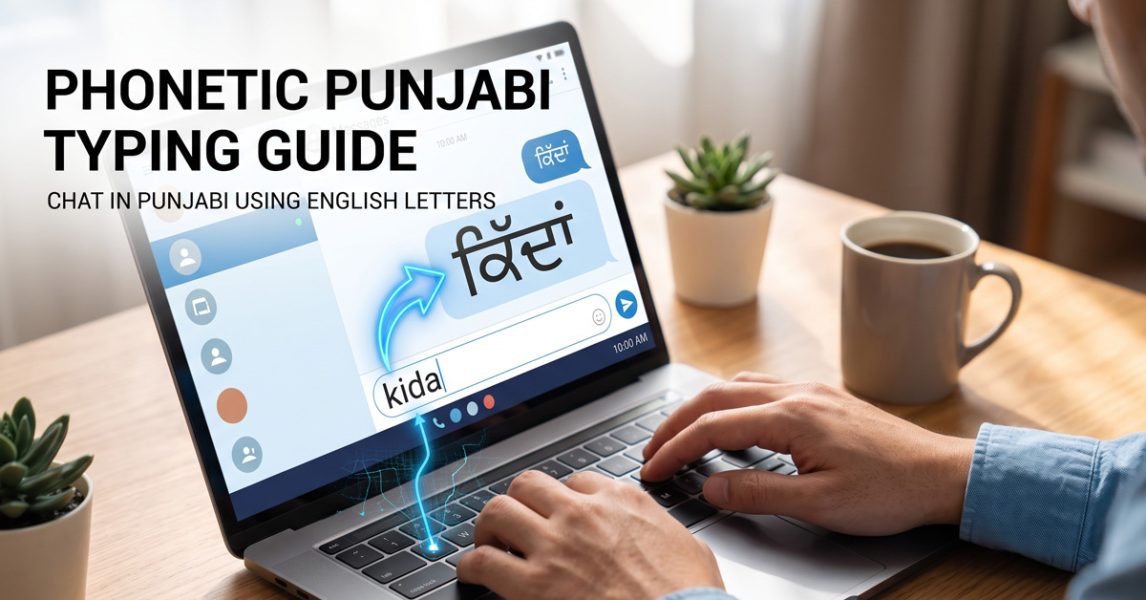
Transliteration keeps the sound. Translation changes the meaning. Type “kida” on a phonetic pad and you get ਕਿੱਦਾਂ, same sound, same word, just a different script. Ask a translation tool for the same input and it hands you an English sentence instead.
People mix these up constantly, including some tool builders who really shouldn’t. A transliteration engine never checks whether what you typed exists in any dictionary. Type something that just sounds vaguely Punjabi and it still renders in Gurmukhi, because sound is the only thing being checked.
This distinction matters more than it sounds like it should. Looking at search behavior for typing tools over the years, almost nobody searching “Punjabi typing” wants a translator. They already speak the language. What they’re missing is a keyboard, not a dictionary.
Why do exam candidates still grind through Raavi instead?
Because phonetic typing falls apart the moment formatting rules get strict. Government exams and clerical job tests built around Punjabi typing speed almost always require the Raavi keyboard layout, not a transliteration pad.
Raavi maps Gurmukhi characters directly to physical keys, with zero phonetic logic attached. You’re memorizing a layout from scratch, the same way you’d learn any unfamiliar keyboard. It’s rough at first.
I’ve watched students preparing for PSSSB and SSC clerical exams try to shortcut this by leaning on phonetic tools, betting that muscle memory from English typing will carry over. It mostly doesn’t. Exam software checks for the exact Raavi key sequence, and phonetic engines were never built to produce that.
Chatting with friends or posting on social media, phonetic wins easily. A typing speed certificate on the line, Raavi is still the only road that gets you there.
How many people are actually doing this?
More than you’d guess, and the number keeps climbing outside India too. The 2011 Census of India recorded 33,124,726 people listing Punjabi as their mother tongue, per the Census of India’s language data, about 2.74 percent of the country’s population at the time.
Canada tells a related but separate story. Statistics Canada’s most recent language release put Punjabi at 942,000 speakers nationwide, the third most common language other than English or French, behind only Spanish and Mandarin, according to The Daily, January 2025.
The UK numbers are smaller but still notable. England and Wales recorded 291,000 people reporting Panjabi as their main language in the 2021 census, per the Office for National Statistics.
None of those people grew up with a Gurmukhi keyboard built into their laptop. That gap between speaking a language fluently and having an easy way to type it is exactly why phonetic tools exist, and why diaspora traffic for them keeps growing faster than most tool builders seem to expect.
Whatever happened to Google’s offline typing tool?
It got pulled, and nothing quite replaced it. Google removed the standalone Windows desktop version of Input Tools in May 2018, according to Wikipedia’s entry on the software, leaving the Chrome extension as the only first-party option still standing.
That extension works fine inside a browser tab. It does nothing the moment you open Word, Notepad, or any desktop program outside Chrome, which, if you’re trying to type Punjabi offline, is most of what you actually need.
Which probably explains why independent transliteration websites exist in the numbers they do today. Every developer who’s hit that same wall ends up building their own version of the same fix.
My honest opinion: relying on one browser extension for something as basic as typing your own language always felt like a downgrade dressed up as a feature.
Why does the spacebar sometimes ignore you on mobile?
Because virtual keyboards on phones don’t always fire the same signal a physical keyboard does. Hit the spacebar on a laptop and the browser gets a clean keydown event every time. Hit it on an Android touchscreen and some keyboards send a vague “unidentified” key code instead, and the word never converts.
This is the single most common complaint about phonetic Punjabi tools, full stop. People aren’t typing wrong. The phone is just sending mixed signals about what key got pressed.
A word won’t convert no matter how many times you tap space? Try switching browsers first. Chrome and Safari handle this differently than some in-app browsers do. Swapping to a different transliteration tool altogether fixes it the rest of the time.
Are all 80 Gurmukhi characters rendering the same everywhere?
Mostly, yes, and that consistency is more recent than people assume. The Gurmukhi block sits at U+0A00 through U+0A7F in the Unicode standard, with 80 of its 128 available slots assigned to actual characters, confirmed directly on Unicode’s own codepoint reference.
Those characters didn’t start from nothing. The earliest Gurmukhi code points were a near-direct copy of the 1988 ISCII standard’s Punjabi character set, carried over when Unicode formally added the block in version 1.1, back in 1993, not version 1.0 as some older typing guides still claim.
Where things still break is custom fonts that ignore that standard entirely. Asees, in particular, remains a nightmare to convert cleanly into Unicode. I’ve spent more hours than I want to count fixing garbled text from sites still running on it.
A genuine phonetic typing tool outputs pure Unicode, no exceptions. Anything less and broken characters show up on someone else’s screen, even if your own looks fine.
Why does Android’s keyboard feel easier than iPhone’s?
Because they’re not doing the same thing. Android’s Gboard added Punjabi with full phonetic transliteration support back in 2017, per Google’s own changelog. You type the way it sounds, and the keyboard handles the conversion.
Apple’s native Punjabi keyboard follows the traditional Gurmukhi key layout instead, the same logic as Raavi, just on a touchscreen. There’s no phonetic shortcut built in.
Which is probably why third-party transliteration keyboard apps for Punjabi still do steady business on the App Store. They cover a gap Apple left open, and one that doesn’t look likely to close soon.
Can an AI chatbot even read phonetic Punjabi?
Sort of, and the failures are more interesting than the successes. Most AI systems read Gurmukhi script natively without trouble, but a phonetic message typed in English letters has to clear an extra step first. The model has to recognize it as Punjabi before it can respond to it properly.
Every hop in that chain adds room for error. The system flags the input as transliterated Punjabi, maps it back toward the intended Gurmukhi word, then responds in a way that actually makes sense.
Here’s the part that genuinely surprises people: a completely harmless Punjabi greeting, spelled out phonetically, can occasionally resemble a flagged English term and trip an overcautious safety filter. The model isn’t being difficult on purpose. It just lacks the cultural context to recognize a regional phrase wearing an English-letter disguise.
It’s a small, strange side effect of how these systems get trained, and one most people typing in Punjabi never notice until it happens to them.

Dev Singh
Dev is a dedicated Educationalist, social worker and free educator who has made significant contributions to uplifting underprivileged communities through education and grassroots empowerment. Known for a hands-on, community-centric approach, he blends social service with educational initiatives to ensure marginalized children and individuals have access to learning, opportunity, and hope
View all posts by Dev Singh